
Diagnostic trouble codes
| Diagnostic trouble codes |
| • |
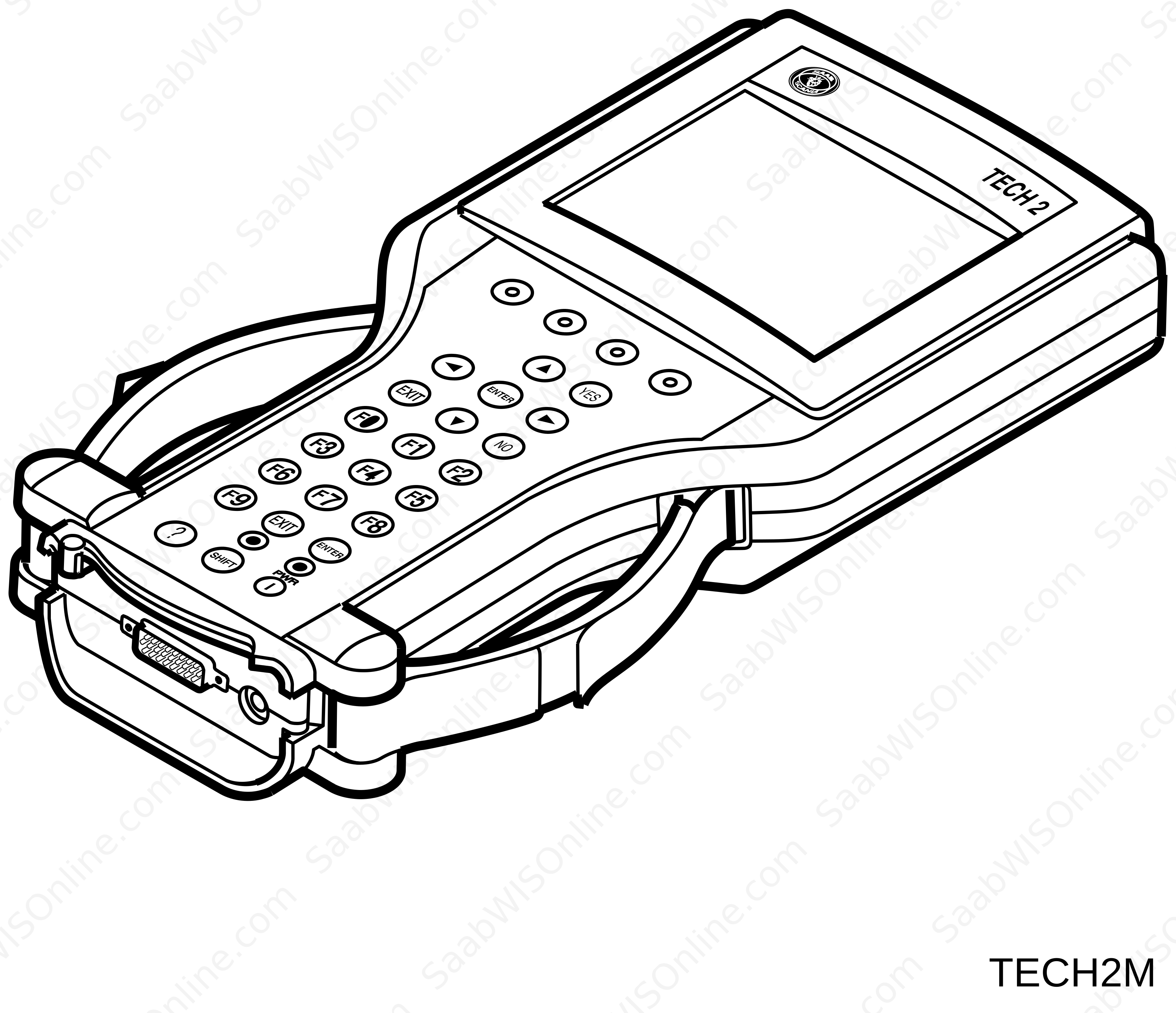
Connect the Tech 2 diagnostic tool to the data link connector under the steering wheel.
|
|
| • |
Turn the ignition ON.
|
|
| • |
Select
Diagnostics
|
|
| • |
Specify the desired
model year
|
|
| • |
Specify the desired
car model
|
|
| • |
Select
All
|
|
| • |
Select
Read and Delete all diagnostic trouble codes
|
|
| • |
Diagnostic Strategy. Press OK
|
|
| • |
Select
Delete all diagnostic trouble codes
|
|
| • |
Discontinue communication between Tech 2 and the car by pressing
Exit
|
|
| • |
Turn the ignition switch to the OFF position.
|
|
This project is supported by memberships and donations. If you use this site, please consider Joining SCNA and/or making a donation.
Our Friends